
How to Choose the Best Smart Paging Machine?
Choosing a Smart Paging Machine is not simply a matter of comparing screen sizes or advertised range. The right system must fit the work around it: a crowded reception desk, a noisy kitchen, or a clinic corridor where staff cannot keep checking a phone. Small details matter. Can users read the display from across the room? Do alerts arrive quickly, and can staff acknowledge them without searching through menus?
Human-centered design expert Don Norman wrote, “Good design is actually a lot harder to notice than poor design.” That idea is useful when assessing paging equipment. A clear interface and dependable alert can make a busy shift feel easier; a confusing setup may create friction every hour. Norman is not a paging-industry specialist, so this guide applies his usability principle rather than presenting him as one.
This guide explains how to compare coverage, receiver capacity, alert options, battery life, setup requirements, and ongoing support. It also considers the people who will use the system, not just the person approving its purchase. Ask for a live demonstration. Test alerts at the farthest point in the building. Check what happens when a receiver is charging or a message is missed. A polished brochure cannot answer every practical question. No checklist is perfect. Even experienced buyers can overlook the awkward corner of a building or the busiest ten minutes of a shift. The goal is a Smart Paging Machine that works reliably in your actual setting, with clear limits and support you can verify.
What a Smart Paging Machine Is and How It Works
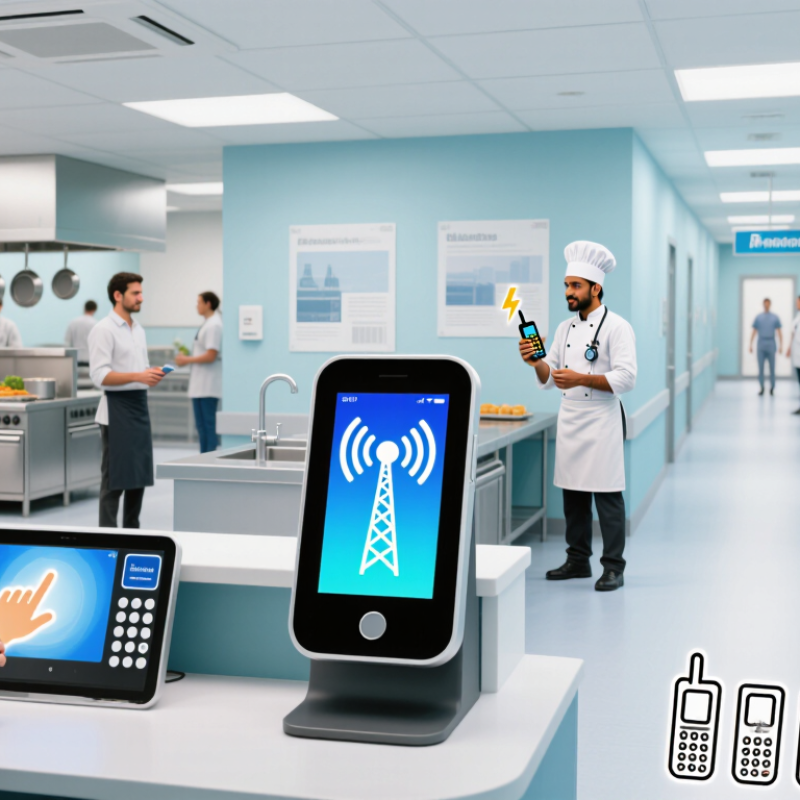
A smart paging machine is a wireless system that alerts people when their turn, order, or service is ready. It usually includes a staff console, a transmitter, and several portable receivers. Each receiver has an identifying number, so staff can send an alert to the right person without calling across a crowded room.
The process is simple. Staff enter or select a receiver number and send a message through the console. A radio signal travels to that receiver, which may vibrate, beep, or show a short message. The guest might be waiting near a pickup counter, or a technician could be responding to a service request. Some systems record when an alert is sent or acknowledged. Others only provide a basic notification. Check the actual features before assuming they are included.
The word “smart” can overpromise. Not every pager connects to the internet or tracks its location. Walls, distance, nearby equipment, and a low battery can affect performance. In a busy room, a vibration may go unnoticed. That happens. Staff should test coverage in the real space, keep receivers charged, and explain what each alert means. A paging machine supports communication; it does not replace a clear handoff or a sensible waiting process.
Define the Needs of Your Staff and Operations
Before comparing smart paging machines, map how work moves during a typical shift. Observe busy periods, not just quiet mornings. Note how many staff members need alerts, where they work, and how quickly they must respond. A kitchen, clinic, and warehouse may need very different coverage. That matters.
List the messages staff actually receive: routine requests, urgent calls, or updates tied to specific rooms or service areas. Then check whether the system can route alerts clearly, adjust volume for noisy spaces, and show who has acknowledged a page.
Keep it practical. A signal that is easy to miss can create delays, even when the device has many features. Ask staff to test units in real locations, including corners or rooms with closed doors.
Record missed alerts, battery life across a full shift, and how easily employees can learn the controls. These small checks often reveal more than a feature list.
Teams sometimes assume they need every option; a short trial may show that simpler paging works better. Revisit the requirements as staffing and workflows change.
Compare Paging Range, Alerts, and Connectivity
A smart paging machine should be judged by the message that reaches a staff member, not just its advertised range. Ask whether the stated distance was measured outdoors or through walls. Metal shelving, concrete, refrigeration units, and busy kitchens can weaken signals. Test from the farthest real work area, with doors closed and equipment running. Walk the route. Check for missed pages and delayed acknowledgments.
Alerts need to suit the urgency of the task. A quiet vibration may work in a meeting room; a flashing screen or audible alert may be easier to notice beside a loud kitchen. Confirm that teams can distinguish routine calls from urgent ones, and check battery life across a full shift. Connectivity matters too. The GSMA’s Mobile Economy 2024 report estimated 5.6 billion unique mobile subscribers worldwide at the end of 2023. That figure describes broad mobile adoption, not reliable indoor coverage at your site. Ask whether the system uses local radio, Wi-Fi, cellular service, or a combination, and what happens during an outage. Specifications can look reassuring on paper. Real buildings are less tidy than test conditions, and that detail is easy to underestimate.
How to Choose the Best Smart Paging Machine? - Compare Paging Range, Alerts, and Connectivity
| Paging System Type | Typical Range | Common Alerts | Connectivity | Best Suited For | Key Consideration |
|---|---|---|---|---|---|
| RF numeric pager system | Varies by transmitter and site; generally suited to a local facility or campus. Range is reduced by walls, metal, and interference. | Beep, vibration, and a numeric message on the pager display | Dedicated radio transmitter communicates directly with compatible pagers | Hospitals, warehouses, campuses, and operations needing reliable one-way alerts | Check transmitter coverage, pager compatibility, and local radio-frequency requirements. |
| Restaurant coaster pager system | Designed for a venue or nearby waiting area; actual coverage depends on the transmitter, building layout, and surroundings. | Vibration, flashing light, and/or audible tone | Base transmitter sends a radio signal to rechargeable guest pagers | Restaurants, clinics, service counters, and customer pickup areas | Confirm that the signal reaches the full waiting area, including outdoor seating if needed. |
| Wi-Fi or IP-based paging | Follows the reach of the configured Wi-Fi or local network; there is no single fixed range. | App notifications, screen alerts, and—in supported setups—sound or vibration | Uses a local network or internet-connected service to send alerts to phones or networked devices | Multi-room sites that need dashboards, integrations, or flexible alert routing | Reliable Wi-Fi coverage, device settings, and network availability are essential. |
| Cellular SMS paging | Available wherever the recipient’s mobile carrier provides service. | SMS text notification with the recipient’s usual phone alert | Sends messages through a cellular network, often via a gateway or messaging service | Teams spread across different locations or requiring remote notifications | Delivery time and availability depend on carrier coverage, message routing, and phone settings. |
| DECT cordless paging | Typically up to about 50 m indoors and up to about 300 m outdoors under favorable conditions; walls and interference can reduce coverage. | Handset ringing, vibration, and/or display message, depending on the device | Uses a DECT base station to connect cordless handsets within its coverage area | Hotels, care facilities, offices, and sites needing mobile staff communication | Measure coverage on-site and check the number of handsets and base stations supported. |
Range note: Figures and coverage descriptions are typical guidance, not guarantees. Building materials, interference, antenna placement, network design, and local regulations can affect real-world performance. Test the system at the intended site before purchase.
Check Compatibility, Setup, and Daily Reliability
A smart paging machine should fit the way your team already works. Check that its transmitter, receiver units, and charging dock are designed to work together. If it connects to ordering or service software, confirm the supported connection type and ask whether updates could change compatibility. Do not rely on a product photo or a vague claim of “easy integration.” Get the exact setup requirements in writing.
Test the system in the actual space. Walls, kitchen equipment, and crowded counters can weaken a signal, so try several locations during a busy period. One test can fool you. Check how long pagers take to charge, how clearly they alert, and whether staff can reset them without searching for a manual. Keep a simple log for a few days; note missed alerts, battery drops, and confusing controls. A small flaw may seem harmless at noon and become a real delay at dinner.
Daily reliability also depends on routine. Make sure charging contacts are easy to clean and each unit has a clear storage spot. Ask about replacement batteries, repair time, and warranty coverage before choosing. Staff feedback matters, too. They may notice a hard-to-hear alert that a short demonstration misses. I would not treat one smooth trial as proof; repeated use reveals more, though even a careful test cannot predict every shift.
How to Choose the Best Smart Paging Machine?
Check Compatibility, Setup, and Daily Reliability
Suggested evaluation weighting—not survey data or a product benchmark. Prioritize compatibility with your existing network and alert workflow, then verify reliable delivery in daily use. Assess setup effort and ongoing support before choosing a system.
Assess Costs, Support, and Data Security
Compare the purchase price of a smart paging machine with its full operating cost: setup, software, batteries, repairs, and staff training. Ask for a written support plan that states response times, replacement options, update frequency, and how long parts remain available. That is not theoretical. IBM’s 2024 Cost of a Data Breach Report put the global average breach cost at $4.88 million. This figure covers organizations broadly, not paging devices alone, but it shows why security belongs in the budget.
Check whether messages are encrypted in transit and at rest, and whether staff access can be limited by role. Ask how long message logs are retained, who can view them, and how vulnerabilities are patched. Verizon’s 2024 Data Breach Investigations Report found a human element in 68% of breaches. That makes clear access rules and practical staff training as important as technical safeguards. A vendor’s reassuring answer is not enough; request documentation, and verify it against your own needs.
Tips: Before buying, test a real workflow: send a page, confirm delivery, review the audit log, and contact support with a sample fault. Record the response time. It may reveal gaps a polished demonstration misses.
